


 Mahnoor Khan
  September 16, 2026
  Junaid AshrafApril 28, 2016
Brochures are an integral part of your traditional marketing strategies that clearly say about your brand. It can create a positive impression of your products and services while providing enough information about your business.
Despite the escalation of online advertising tools and viral marketing, nothing can beat the power of an awesome brochure design. They are economical to mass-produce and can be distributed into the hands of potential customers, making them the perfect choice for business owners of all sizes and types. You can create an appealing, creative and effective brochure design for your company by using a few key software. To help you create your own brochure design, here is a list of some of the best solutions.
Table of Contents

Adobe InDesign can be used to craft books, flyers, brochures, posters, newspapers, etc. Production artist and graphic designers are its prime users. It helps you to create and lay out publications and content. InDesign supports style sheets and other coding markups that makes it a handy tool to export content to be used in other online formats.

This software helps users to create and edit complex layouts. Released by Quark Inc., this software is used by graphic designers to design a variety of layouts. From single page brochures to multi-media projects for newspapers, catalogues, and magazine, everything can be done on QuarkXPress.

CorelDraw is a vector graphics editor that provides many features for users to edit graphics. This graphic editor has everything that a graphic designer needs to create a persuasive brochure design. It has some awesome features including, contrast adjustment, color balancing, some special effects such as borders to images. This tool has the ability to work with multiple layers and pages.

Photos can be edited in numerous other platforms but Adobe Photoshop is a widely used software. You can design an appealing corporate brochure design for your business from scratch using only Photoshop. With this software, you can design, edit and even craft your own digital art. Create anything that adds value to your brochure design. Designing a brochure that’s ready for printing has now become easier with Adobe Photoshop.
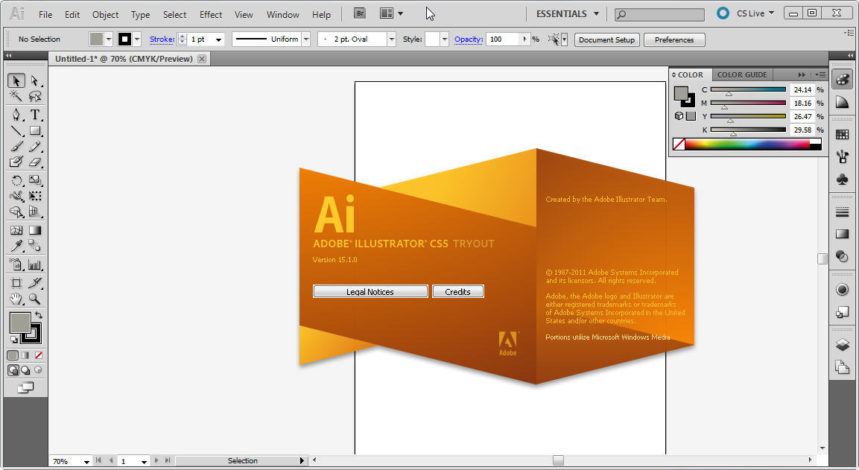
This software is considered as an industry standard basic graphic app to create icons, logos, sketches and complex illustration. Favorite assets, paragraphing styles, colors and characters are available in Adobe Illustrator. You can extend your power of creative production with this intensively useful tool in a graphic world.
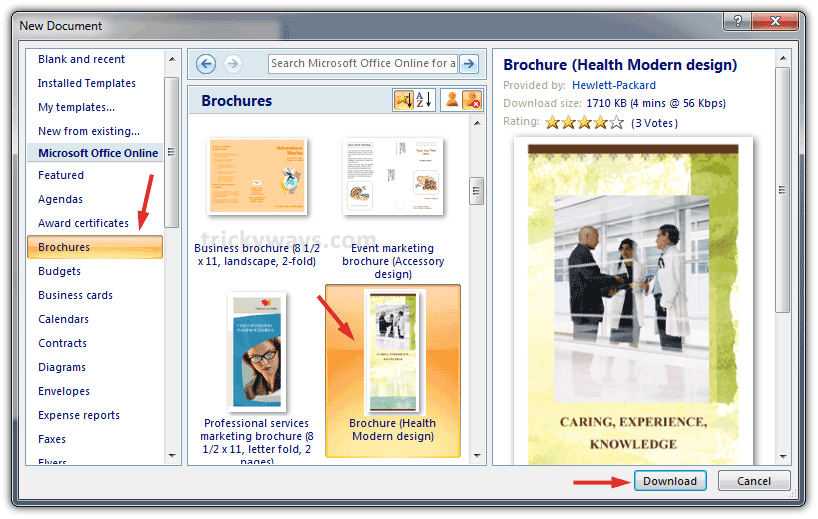
Microsoft word is generally considered as a boring word processing tool and often overlooked in the design process by many. The latest Microsoft versions have a potential to create posters, flyers, brochures, and professional looking cards in seconds. You can select your favorite template, add and customize the text, colors, graphics, and effects on your own choice. It can really save a lot of your time while designing a corporate brochure design.
Mahnoor Khan
September 16, 2026  Mahnoor Khan
April 1, 2026
Mahnoor Khan
April 1, 2026 Table of Contents
